
How to Make Your Printable Planner Pages Look Better at Home
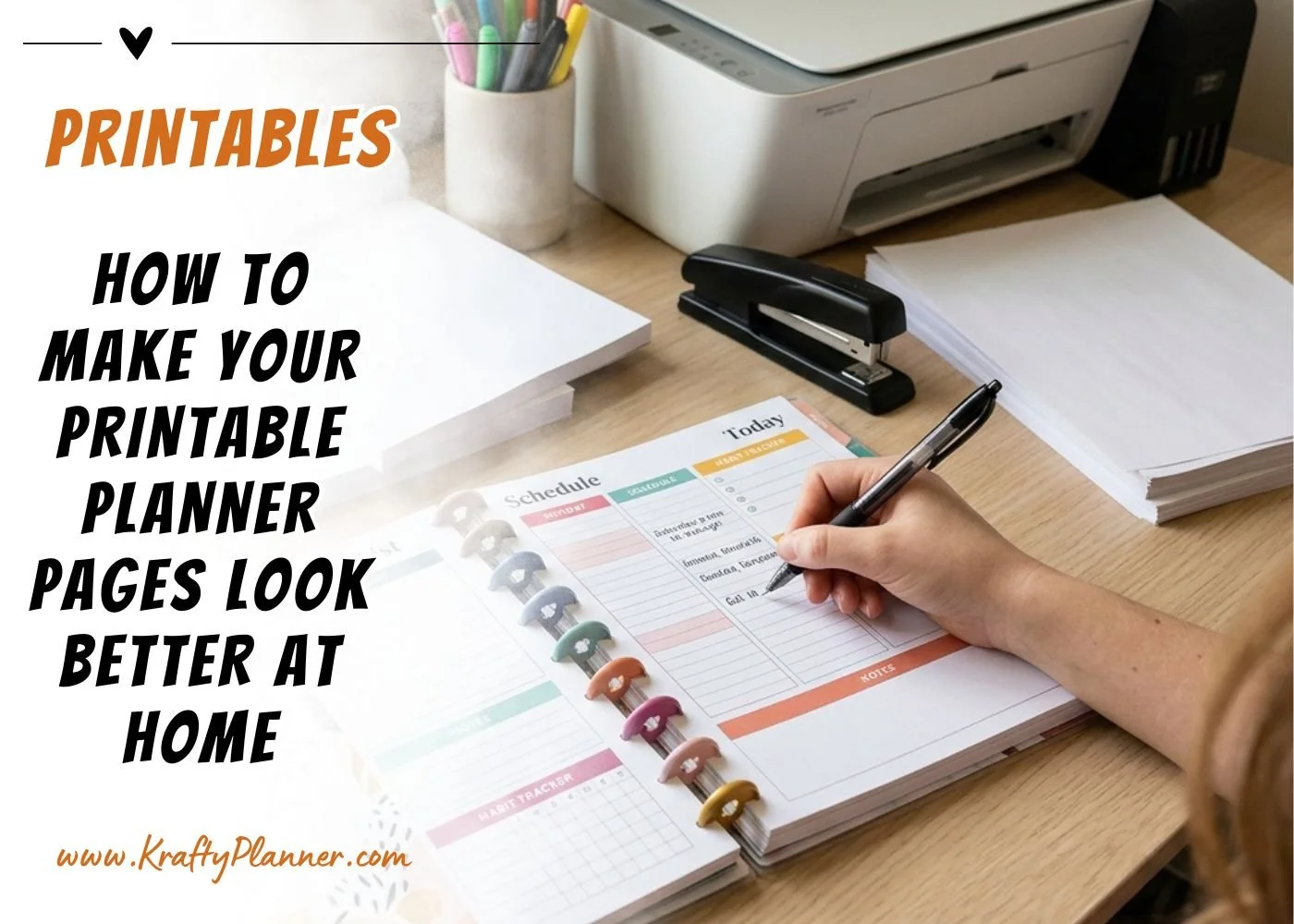
There is something extra satisfying about printing your own planner pages. You get to choose the layout, colors, paper, and size that work for your routine.
But if your pages come out too thin, colors look dull, or ink shows through to the other side, your planner can feel a little less polished than you imagined. A few small changes to your paper, printer settings, and setup can make your printables look cleaner and feel much nicer to use.
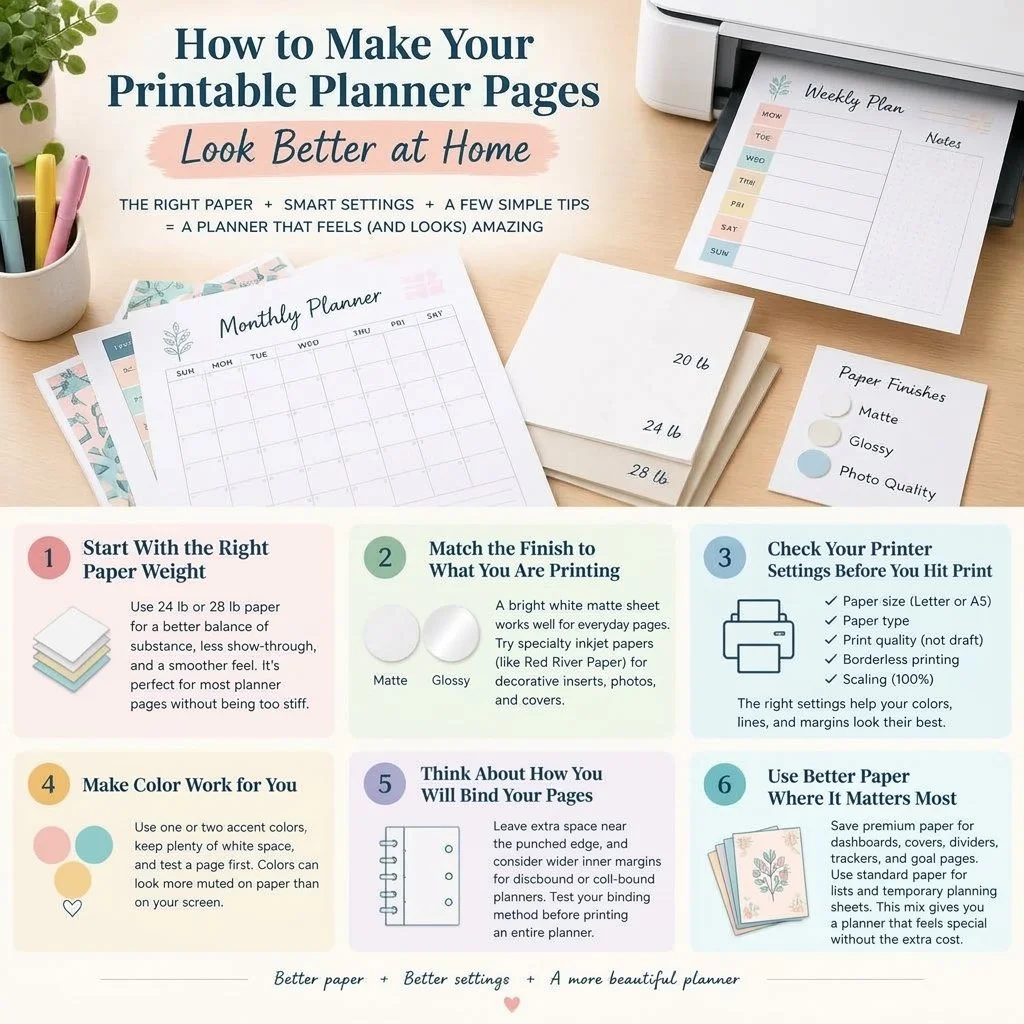
Start With the Right Paper Weight
Regular copy paper is perfectly fine for quick lists and everyday notes, but planner pages often work better on something a little heavier.
Standard office paper is commonly around 20 lb, while 24 lb and 28 lb options give you more substance without becoming difficult to turn, punch, or bind. Heavier paper can also help reduce show-through when you use gel pens, markers, highlighters, or darker ink colors.
If you print on both sides of the page, this difference becomes even more noticeable. You want enough opacity that yesterday's notes do not compete with today's schedule.
For most home planners, you do not need to jump straight to cardstock. A smooth 24 lb or 28 lb sheet is often a practical middle ground for monthly calendars, weekly layouts, habit trackers, and journal inserts.
Match the Finish to What You Are Printing
Paper finish can change the look of your printable just as much as weight can.
A bright white matte sheet works well when your planner includes lots of writing space because pens and pencils usually feel natural on the surface. It also keeps glare to a minimum, which is helpful when you are checking your planner under a desk lamp or near a sunny window.
If you are printing decorative dashboards, planner covers, photos, or colorful inserts, you may want to experiment with specialty inkjet papers. Red River Paper is one option you can explore when you want different weights, finishes, or photo-quality surfaces for creative planner projects.
The important thing is to choose your paper based on how you will actually use the page. A beautiful glossy sheet may look wonderful as a dashboard, but it may not be the best choice for a daily page you plan to write on constantly.
Check Your Printer Settings Before You Hit Print
It is easy to download a printable and immediately click the print button, but taking 30 seconds to review your settings can save paper and ink.
Start by checking the paper size. US Letter pages measure 8.5 by 11 inches, while A5 pages are much smaller at approximately 5.8 by 8.3 inches. If your printer tries to automatically scale one format into another, margins and boxes can shift.
Next, look for settings such as paper type, print quality, borderless printing, and scaling. Selecting the closest paper type helps your printer decide how much ink to apply.
For planner pages with fine lines or small text, use a normal or high-quality setting rather than draft mode. Draft printing is great when you are proofreading a layout, but it can make lighter graphics look faded.
Make Color Work for You
You do not need a rainbow of ink on every page for your planner to feel cheerful. In fact, a simple color palette often looks more organized.
Try using one or two accent colors for headings, habit trackers, or important dates. Leave plenty of white space so your own handwriting remains easy to read.
Keep in mind that colors on your monitor can appear brighter than they do on paper. Your screen produces light, while a printed page reflects it. That means soft pinks, pale yellows, or light gray lines may print more subtly than you expect.
Before printing 50 pages, test one sheet. A test page lets you check color, margins, and paper feel.
Think About How You Will Bind Your Pages
Your printing setup should work with your planner system, not against it.
If you use a three-ring binder, leave enough space near the punched edge so your text does not disappear into the holes. For discbound or coil-bound planners, wider inner margins can make pages easier to turn and write on.
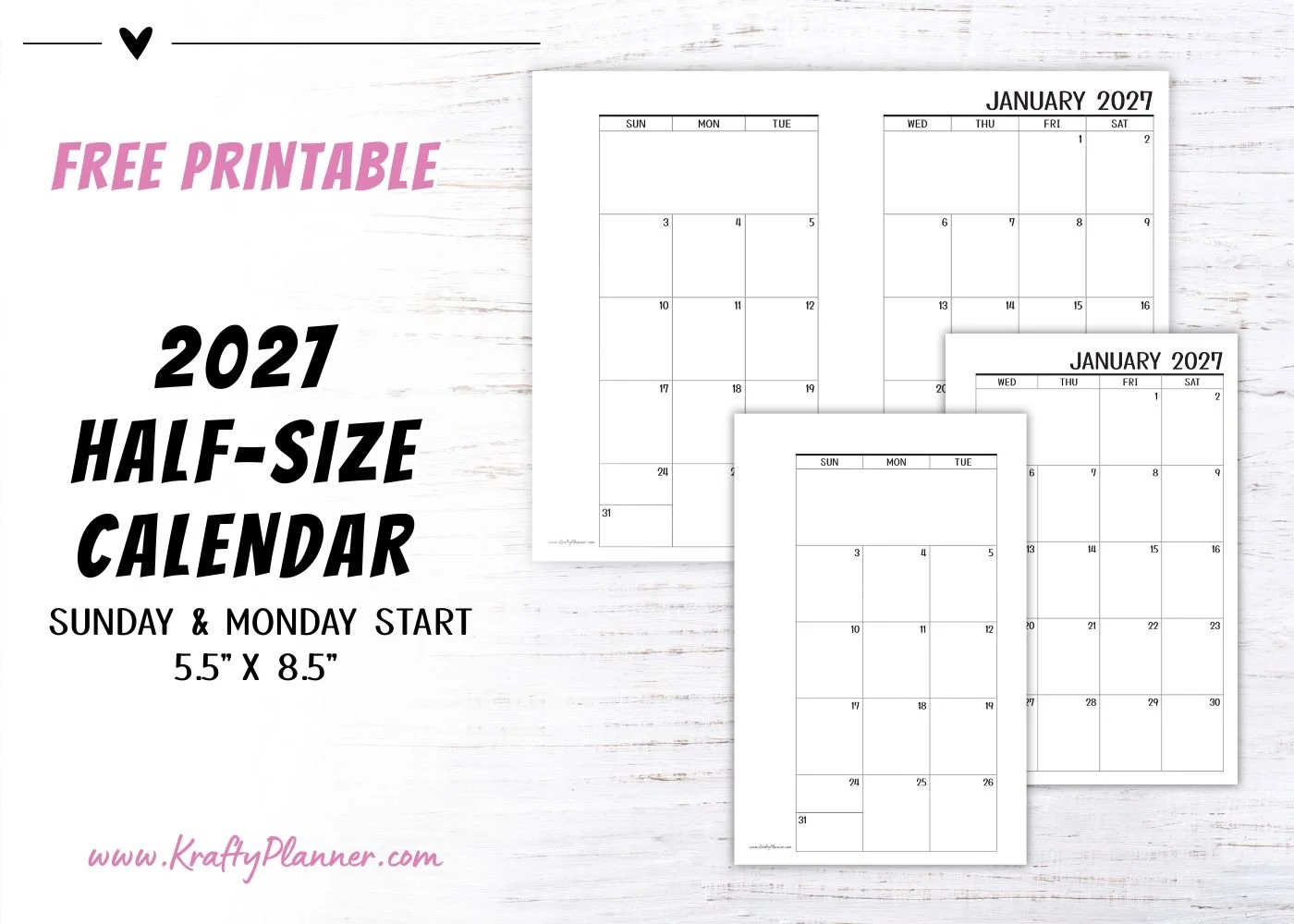
You can also print half-size pages by placing two planner pages on a single Letter-size sheet and cutting them down after printing. This can reduce paper use while giving you a compact planner that fits easily into a bag.
Before you print an entire planner, test your punching or binding method on one finished sheet. A few millimeters of extra margin can make a big difference once the pages are assembled.
Use Better Paper Where It Matters Most
You do not have to print every page on premium paper.
You can save your nicer sheets for the pages you touch or see most often, such as monthly dashboards, goal-setting pages, dividers, memory pages, covers, and special trackers. Everyday grocery lists or temporary planning sheets can stay on standard printer paper.
This mix-and-match approach can help you create a planner that feels special without making every refill expensive.
Create a Planner You Actually Enjoy Using
A printable planner works best when it fits your habits, your writing tools, and your everyday life.
You might prefer clean black-and-white pages with a smooth writing surface, or you may love colorful monthly inserts and decorative dashboards. There is no single perfect setup.
When you pay attention to paper weight, finish, printer settings, color, and binding, your printables can go from simply functional to something you genuinely look forward to using.
And that is really the fun of printing your own planner. You get to adjust, experiment, and create a system that feels completely yours, one page at a time.
Before you go:
You might also be interested in…
(This post may contain affiliate links. For more information, see my disclosures here.)
~ SHARE THIS POST ~

Did you like this post? Do you know someone else who might enjoy it? Please take a minute to share it on Pinterest, Facebook, or your favorite social media… Thank you!









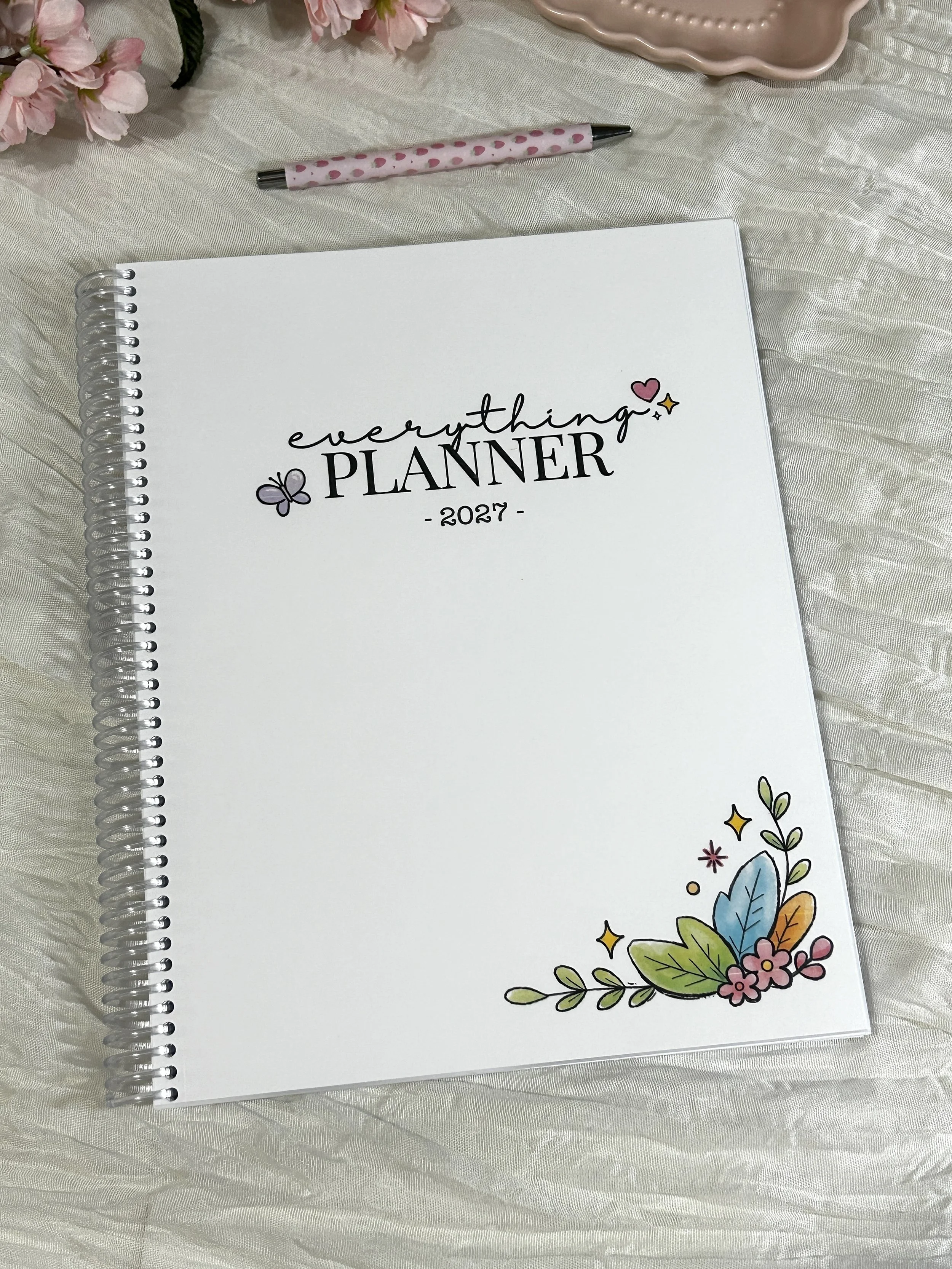
Bring structure and a little joy to your everyday planning with the 2027 Everything Planner.
Dated from January through December 2027, this full-size planner (8.5" × 11") is designed to help you organize your schedule, set meaningful goals, and keep track of the things that matter most—all while making planning something you’ll actually enjoy.
Thoughtfully designed and handmade in my studio in Seneca Falls, New York, every planner is printed on premium paper, bound with a durable, clear coil, and finished with a soft-touch matte floral cover. It lays flat for easy writing and is ready to use right out of the package.
What's Inside
2027 & 2028 Year-at-a-Glance Calendars
Yearly Goal Planning Pages
Books to Read List
My Dreams List
Level 10 Life Worksheets
Yearly Reflection Pages
Monthly Cover Pages
Two-Page Monthly Calendars
Monthly Planning & Goal Pages
Monthly Tasks & Habit Tracker
Dated Weekly Planning Pages
Monthly Review & Notes Pages
End-of-Year Review
Product Details
Size: 8.5" × 11"
256 premium printed pages
Soft-touch matte laminated cover
Durable clear coil binding
Lays flat while writing
Handmade in Seneca Falls, New York
Why You'll Love It
The Everything Planner was created to be more than just a calendar. It's a place to organize your schedule, capture ideas, work toward your goals, and create routines that help you build an intentional life.
The thoughtfully designed layouts give you plenty of room to plan in a way that works for you.
Whether you're organizing work, school, family life, or personal goals, this planner is designed to help you P.L.A.N. Everything:
Productivity • Lifestyle • Accountability • New Beginnings
Each planner is carefully printed, assembled, and packaged by hand before being shipped directly to you.
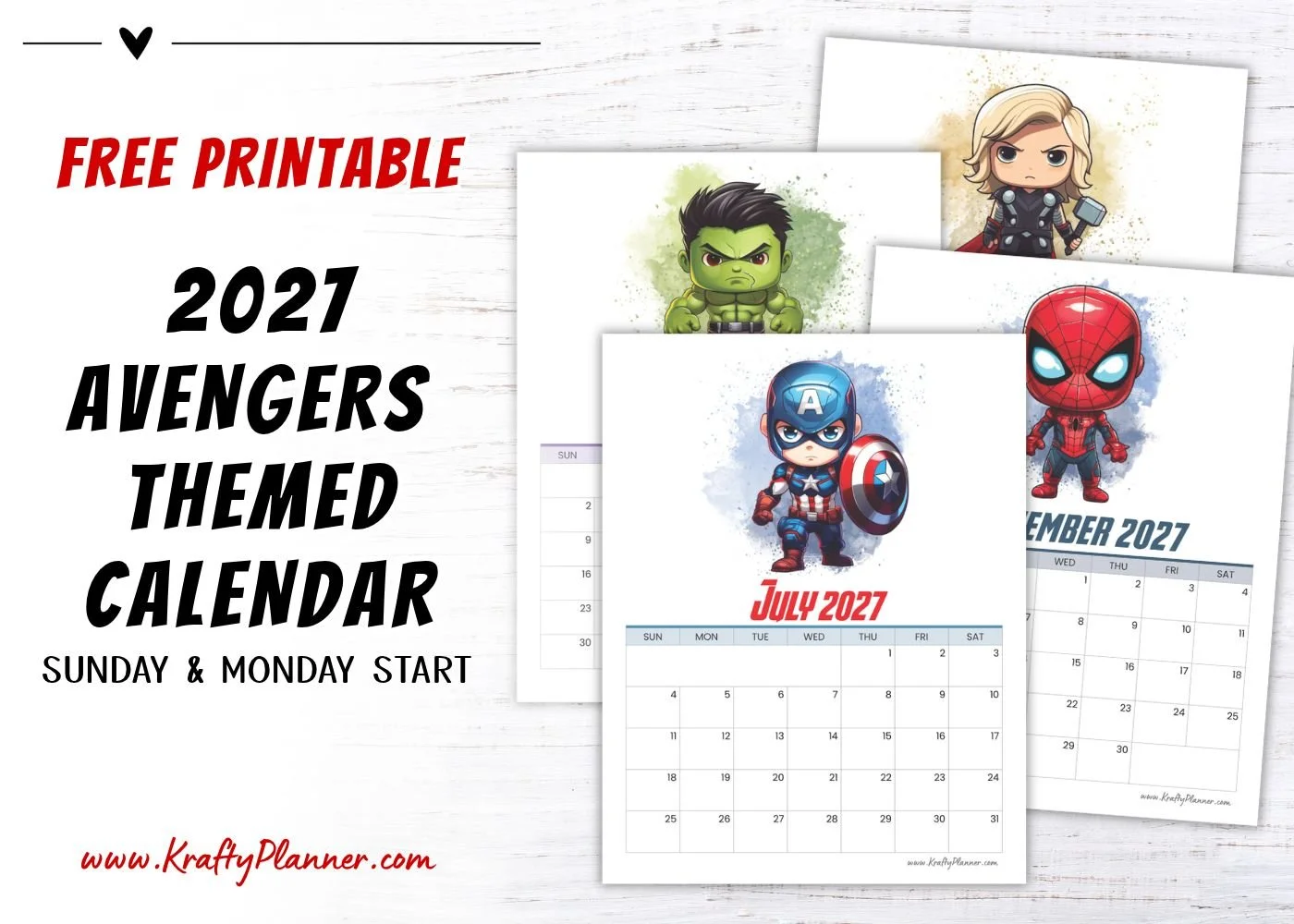


Download a free printable 2027 Avengers-themed calendar with fun character illustrations. Choose a Sunday or Monday start & add some personality to your planning