
The Year-Round Tax Organizer: What to Save, Sort, and Review

Tax organization works best as a small, repeatable habit: capture documents when they arrive, sort them into a few reliable categories, and review the collection at planned points during the year. You do not need an elaborate filing cabinet or a perfect memory. You need one trusted home for tax records, consistent file names, and a short review routine.
This system will not determine which tax treatment applies to you, and it cannot guarantee that a return will be error-free or that a notice will never arrive. It can, however, make missing information easier to spot and give your tax professional a clearer record to work from.
Key Takeaways
Create one tax-year folder with the same core categories every year.
Save evidence of both income and potentially relevant expenses; do not rely only on bank statements.
Add documents when events happen instead of reconstructing the year during filing season.
Review the organizer monthly, quarterly, after major life changes, and before year-end.
Keep sensitive files in a secure portal or encrypted storage—not ordinary email.
Retention periods vary. Keep filed returns, follow IRS guidance, and ask a qualified professional before destroying records tied to property, payroll, losses, or unresolved matters.
Build One Trusted Home for the Tax Year
Choose a secure digital folder, a locked physical file, or a hybrid system. The format matters less than having one official location. If paperwork enters through several doors—mail, email, apps, a spouse’s desk, and a business account—decide how each item gets moved into the official file.
A useful top-level name is simple:
Taxes / 2026
Inside it, create these folders:
Filed return and payments
Income
Potential deductions and credits
Business or self-employment
Property and investments
Health coverage and medical accounts
Life changes
Tax notices and correspondence
Questions for the preparer
Avoid making dozens of tiny folders before you need them. A system that takes too long to use will be abandoned. Add subfolders only when a category becomes crowded—for example, separate business expenses by month or property records by address.
Use file names that explain themselves
A scan named IMG_4821.pdf is difficult to recognize later. Rename files in a predictable order:
YYYY-MM-DD – source – document or purpose – amount
Examples:
2026-03-12 – County – property tax bill.pdf
2026-06-30 – Client A – payment statement.pdf
2026-09-08 – HVAC Company – rental repair – 425.pdf
Use the date shown on the document, not necessarily the day you scanned it. Never put a Social Security number, full account number, or other sensitive identifier in a file name.

What to Save as the Year Unfolds
The goal is not to label every item deductible. It is to preserve reliable information so the right person can evaluate it later.
Income records
Save wage statements, retirement distributions, interest and dividend statements, brokerage tax documents, unemployment statements, payment-platform forms, partnership or S corporation schedules, rental income records, and records of other receipts. If you are self-employed, preserve invoices, sales reports, deposit records, and processor statements.
Do not assume every tax form will arrive or that every form tells the whole story. Your own income log provides a useful cross-check. Keep records of returned payments, refunds to customers, and transfers between your own accounts so they are not confused with revenue.
Expenses and possible tax benefits
Depending on your circumstances, useful records may include charitable acknowledgments, education statements, dependent-care information, medical account records, retirement contribution confirmations, estimated-tax payment confirmations, and documents associated with energy or home improvements.
A bank entry shows that money moved, but not necessarily what was purchased or why. Keep the receipt, invoice, contract, or acknowledgment, adding a note when the purpose is not obvious.
Business and self-employment records
Keep business and personal activity separate wherever practical. Save receipts and invoices, mileage or vehicle records, equipment purchases, contractor information, payroll reports, loan documents, sales-tax records, inventory information, and statements for business bank and credit-card accounts.
The IRS says a business may use any recordkeeping system that clearly shows income and expenses. Its guidance on what business records to keep is a helpful starting point. Your entity, industry, state, and local requirements may call for more.
Property and investments
Create a permanent folder for each home, rental, business asset, or investment that needs basis tracking. Keep purchase and closing documents, records of capital improvements, depreciation schedules, records of reinvested amounts when relevant, and sale documents.
Do not purge these records merely because the purchase happened years ago. Property documentation can be needed to calculate depreciation or gain or loss when the asset is eventually disposed of.
A Review Rhythm That Prevents the Filing-Season Scramble
Monthly: the 15-minute reset
Choose the same date each month and complete five tasks:
Empty the physical and digital tax inboxes.
Rename and file new documents.
Match important receipts to transactions.
Update business income, expense, and mileage records.
Add unresolved items to the questions list.
If you share finances, assign an owner to the routine and schedule a two-minute handoff: “Anything tax-related this month?” Clear ownership is more effective than assuming both people will remember.
Quarterly: compare the records with reality
Every three months, check that expected accounts and income sources appear. Reconcile business accounts and investigate uncategorized transactions, duplicates, transfers recorded as income, and uncleared checks. Note meaningful changes in income, payments, staffing, property, or operations and raise major transactions with a tax professional before filing season.
After a major event: update immediately
A move, new business, property sale, retirement distribution, or IRS letter deserves its own mini-review. File the source documents, write down dates and relevant facts, and ask what additional records may be needed. Details are easier to capture while they are fresh.
Before year-end: look for gaps, not last-minute “hacks”
Review your income list, payments, withholding, business records, retirement activity, charitable acknowledgments, and major transactions. Confirm who is responsible for contractor or payroll forms if you run a business. Ask for professional guidance before acting on tax-sensitive decisions; a general checklist cannot tell you whether a strategy fits.
During filing season: reconcile before you submit
Compare tax forms with your income log and prior-year return. Follow up on missing or corrected forms. Deliver documents through the preparer’s approved secure method and keep a copy of everything provided. After filing, save the signed return, schedules, payment confirmations, and acceptance records together.

How Long Should You Keep Tax Records?
There is no single retention period for every document. The IRS says records supporting income, deductions, or credits generally should be kept until the applicable period of limitations ends. Its record-retention guidance lists three years for many situations, but longer periods can apply: at least four years for employment-tax records, seven years for certain bad-debt or worthless-security claims, six years in a specified substantial-omission situation, and indefinitely when no return is filed or a fraudulent return is filed.
Keep filed returns and retain property records through the applicable period after disposition. Insurers, lenders, or states may require longer retention. Get situation-specific guidance before destroying records tied to an amendment, pending claim, property, payroll, or open notice.
Keep the Organizer Secure
Tax files can contain identity and financial information. Use strong, unique passwords and multi-factor authentication. Encrypt devices and back up the organizer to a second secure location. Limit access to people who need it.
Do not send tax documents through a website’s general contact form. When working with a professional, use the firm’s stated secure upload process. Elite Pro-Tax & Financial Services describes both in-office and virtual tax and accounting support, while Heather’s Tax Service & More lists tax preparation, bookkeeping, payroll, planning, and IRS representation. Those are examples of services you might discuss; neither firm is affiliated with Krafty Planner, and suitability depends on your needs.
A One-Page Tax Organizer Checklist
Set up once
[ ] Create the current-year folder and nine core categories.
[ ] Choose a naming rule for scanned files.
[ ] Designate one physical inbox for paper.
[ ] Turn on multi-factor authentication and secure backup.
[ ] Add monthly and quarterly reviews to the calendar.
Maintain during the year
[ ] File income records and source documents.
[ ] Save receipts, invoices, and acknowledgments—not just statements.
[ ] Reconcile business accounts and update mileage records.
[ ] Record major life, work, property, or income changes.
[ ] Keep tax notices with envelopes and response records.
Close the year
[ ] Compare expected tax forms with forms received.
[ ] Resolve missing, duplicate, or corrected documents.
[ ] Prepare a concise questions list.
[ ] Save the filed return and proof of filing or payment.
[ ] Apply the correct retention rule before destroying records.
Frequently Asked Questions
Should I keep paper originals after scanning them?
It depends on the document and applicable requirements. A legible, complete digital copy may be practical for many records, but some legal, property, identity, or agency documents may need an original. Confirm before discarding anything difficult to replace.
Is a bank statement enough to prove an expense?
Not always. A statement may show the merchant and amount without establishing what was bought or its purpose. Keep receipts, invoices, canceled checks, contracts, and notes that explain the transaction.
What if a tax form does not match my records?
Do not quietly change your records to force a match. Compare dates and transactions, contact the issuer if a correction may be needed, and show both sets of information to your preparer.
May I email documents to my tax professional?
Use the professional’s approved secure method. Ordinary email and general contact forms may expose sensitive data. Ask for a client portal or another protected transfer option.
Does good organization prevent penalties, audits, or notices?
No. Organization can support accurate preparation and faster responses, but it cannot guarantee that a penalty, audit, adjustment, or dispute will be avoided or resolved. Tax results depend on the law and your facts.
This article provides general organizational information, not individualized tax, legal, or financial advice. Requirements vary by person, business, jurisdiction, and tax year.
Before you go:
You might also be interested in…
A Simple System for Organizing Tax Records and Handling IRS Notices
A Simple System for Keeping Small-Business Finances Organized
(This post may contain affiliate links. For more information, see my disclosures here.)
~ SHARE THIS POST ~

Did you like this post? Do you know someone else who might enjoy it? Please take a minute to share it on Pinterest, Facebook, or your favorite social media… Thank you!





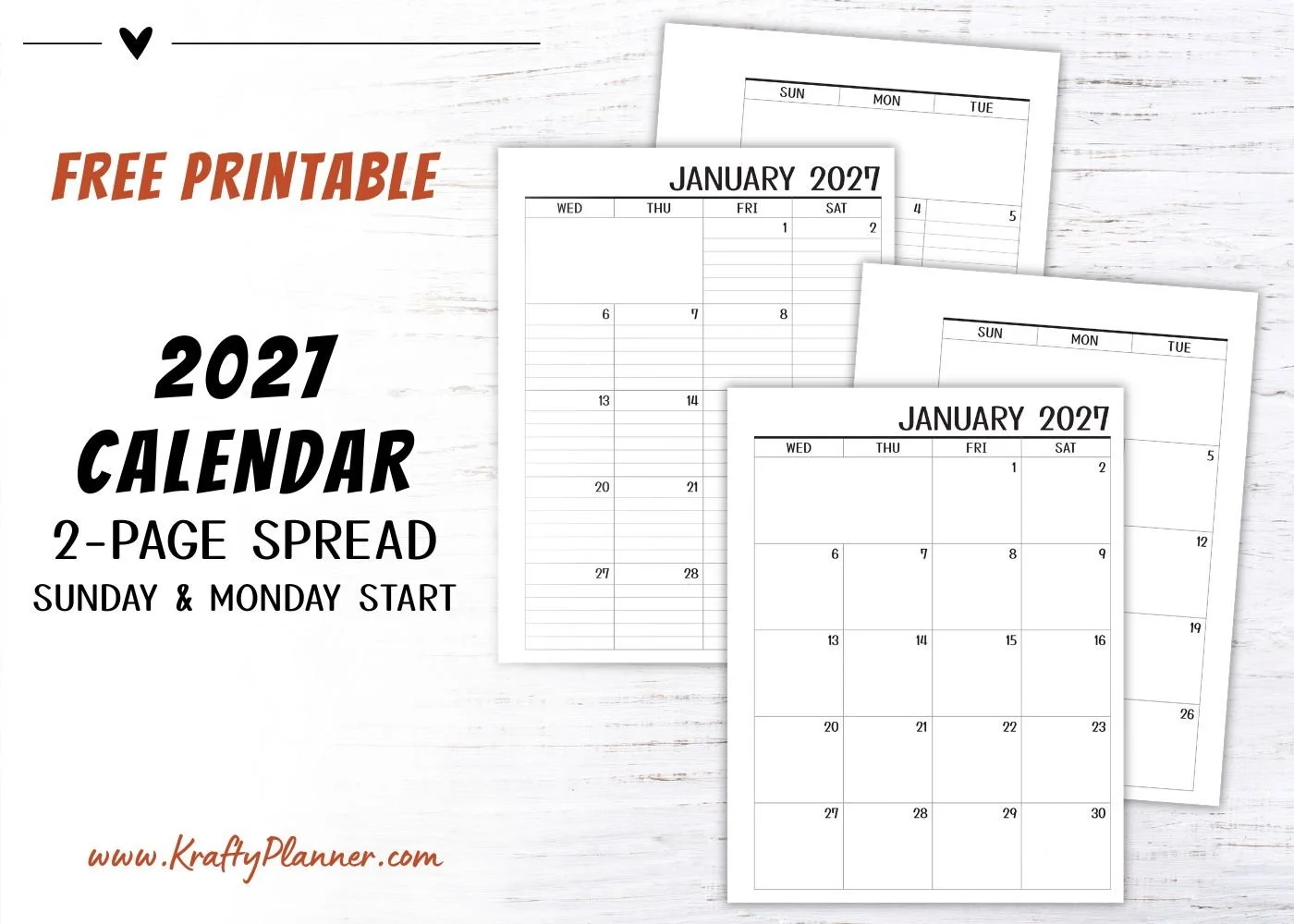






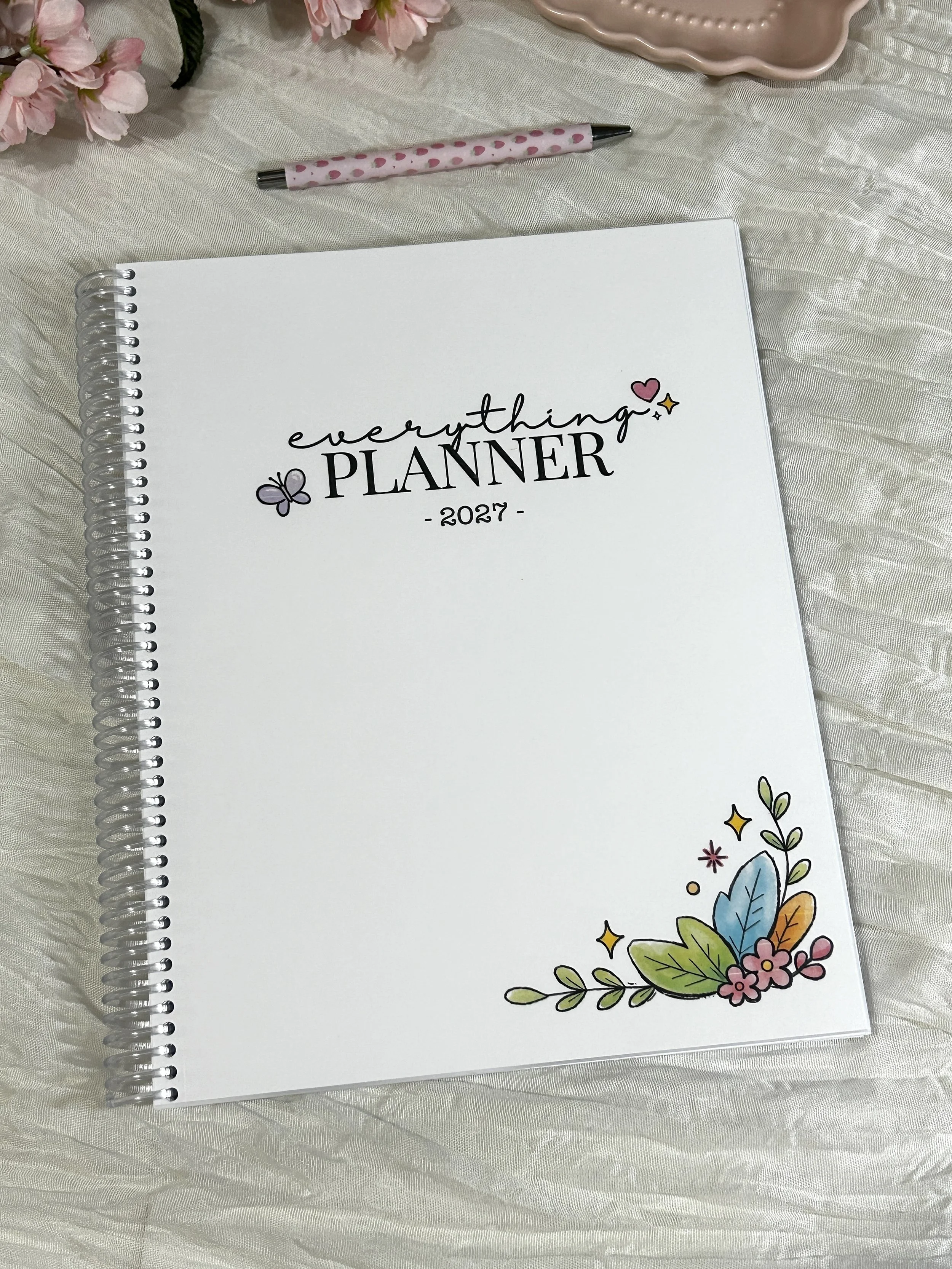
Bring structure and a little joy to your everyday planning with the 2027 Everything Planner.
Dated from January through December 2027, this full-size planner (8.5" × 11") is designed to help you organize your schedule, set meaningful goals, and keep track of the things that matter most—all while making planning something you’ll actually enjoy.
Thoughtfully designed and handmade in my studio in Seneca Falls, New York, every planner is printed on premium paper, bound with a durable, clear coil, and finished with a soft-touch matte floral cover. It lays flat for easy writing and is ready to use right out of the package.
What's Inside
2027 & 2028 Year-at-a-Glance Calendars
Yearly Goal Planning Pages
Books to Read List
My Dreams List
Level 10 Life Worksheets
Yearly Reflection Pages
Monthly Cover Pages
Two-Page Monthly Calendars
Monthly Planning & Goal Pages
Monthly Tasks & Habit Tracker
Dated Weekly Planning Pages
Monthly Review & Notes Pages
End-of-Year Review
Product Details
Size: 8.5" × 11"
256 premium printed pages
Soft-touch matte laminated cover
Durable clear coil binding
Lays flat while writing
Handmade in Seneca Falls, New York
Why You'll Love It
The Everything Planner was created to be more than just a calendar. It's a place to organize your schedule, capture ideas, work toward your goals, and create routines that help you build an intentional life.
The thoughtfully designed layouts give you plenty of room to plan in a way that works for you.
Whether you're organizing work, school, family life, or personal goals, this planner is designed to help you P.L.A.N. Everything:
Productivity • Lifestyle • Accountability • New Beginnings
Each planner is carefully printed, assembled, and packaged by hand before being shipped directly to you.


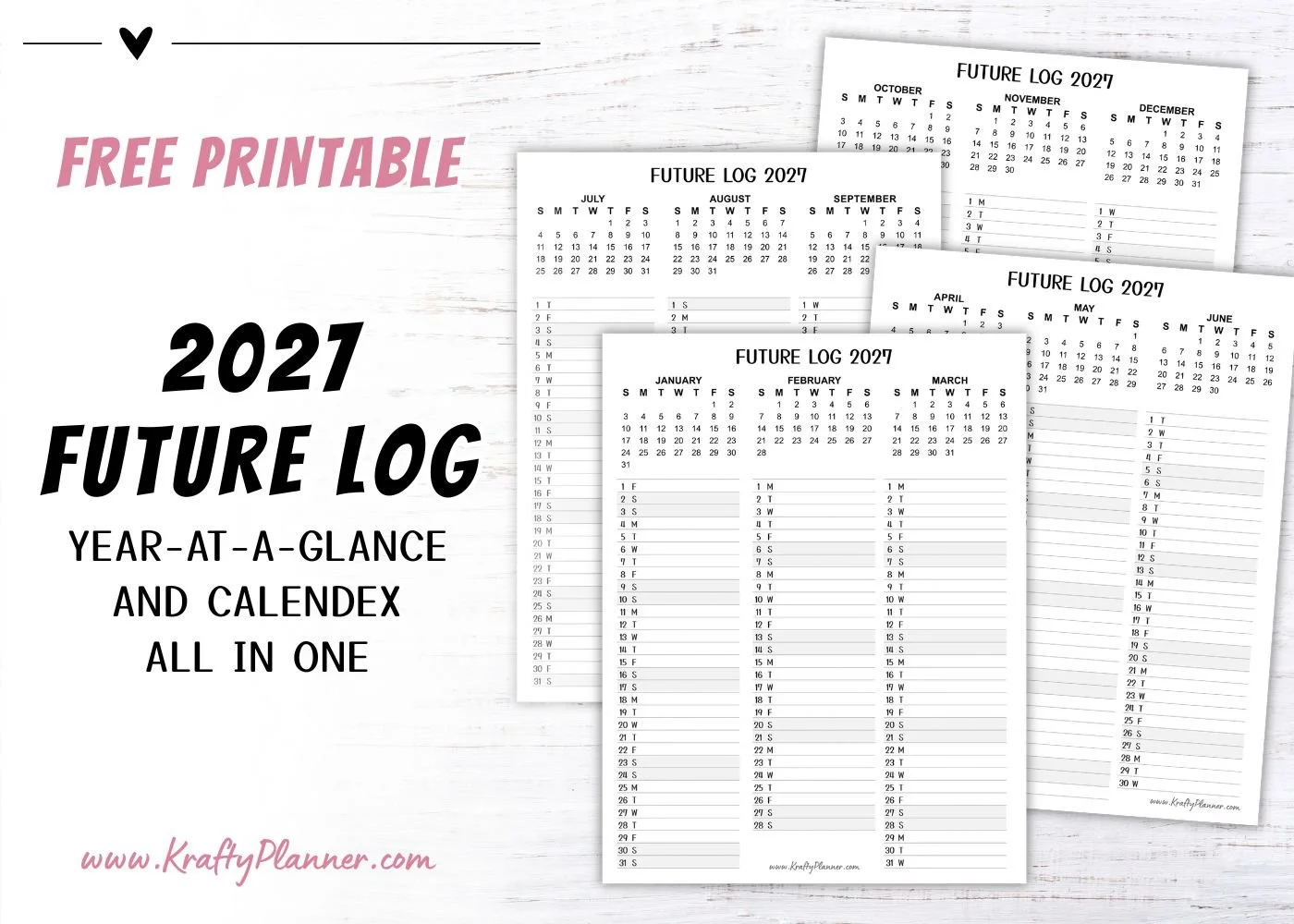


Simplify your finances with a year-round tax-document organizer! Learn what to save, how to name files, and a simple review routine to stay organized.