
A Simple System for Keeping Small-Business Finances Organized

A small business does not need to “do the books” in one exhausting year-end session. A repeatable monthly close—collecting documents, reconciling accounts, reviewing open items, and saving a clean report package—turns twelve months of financial activity into twelve manageable check-ins.
It does not replace professional bookkeeping, accounting, payroll, or tax advice, and completing it cannot guarantee that errors, tax adjustments, or penalties will be avoided. It creates a reliable workflow so questions surface while the records are still fresh.
Key Takeaways
Close each month on a scheduled date instead of waiting for year-end.
Reconcile every bank, credit-card, loan, and payment-processor account.
Preserve source documents and explanations, not just transaction downloads.
Separate owner activity, transfers, loan payments, and capital purchases from ordinary expenses.
Review receivables, payables, payroll, sales tax, and cash flow before declaring the month complete.
Lock or mark closed periods only after review, and keep an audit trail for later changes.
Why a Monthly Close Is Worth the Routine
Year-end cleanup is difficult because memory fades. In January, a June charge may look like “office supplies” even if it was equipment, a client reimbursement, or a personal purchase made on the wrong card. A deposit may be revenue, loan proceeds, an owner contribution, or a transfer. The bank balance alone cannot explain it.
A monthly close gives transactions context and owners usable numbers. Set a target close date after monthly statements are available. “By the 10th business day” may be a useful internal rhythm, but it is not a legal deadline. Complex businesses may need more time and procedures.
The Monthly Money Checklist
1. Gather every financial feed and source document
Start by confirming that the accounting system contains activity from all business accounts:
Operating and savings accounts
Business credit cards
Loans and lines of credit
Merchant processors and online payment platforms
Payroll accounts and reports
Expense-management or reimbursement tools
Petty cash, if used
Download missing statements before reconciling. Collect invoices, receipts, deposit details, contracts, bills, reimbursement approvals, and loan statements. A transaction feed accelerates entry, but it is not the same as documentation.
Create a “needs explanation” folder for anything unclear. Ask the person involved while the purchase is recent. A note such as “replacement drill used on client jobs” is far more useful now than a guess at year-end.
2. Record income completely—and identify what is not income
Compare invoices, point-of-sale reports, platform statements, deposits, and the general ledger. Confirm that sales were recorded once, in the right period, and net of properly recorded refunds or credits.
Because processors may deposit sales net of fees, reconcile gross activity, fees, refunds, chargebacks, and deposits rather than recording only the net amount.
Flag deposits that are not sales, including:
Transfers between business accounts
Loan proceeds
Owner contributions
Refunds from vendors
Insurance proceeds
Customer deposits or advances requiring special treatment
Classification affects the financial statements and potentially the tax return. When uncertain, preserve the facts and ask a qualified professional rather than choosing a category that “looks close.”
3. Review expenses and attach support
Scan uncategorized, unusual, duplicate, and high-dollar transactions. Confirm vendor, business purpose, date, and amount. Attach a readable receipt or invoice to the entry when the system permits.
Pay special attention to meals, travel, vehicles, home-office costs, gifts, reimbursements, and mixed personal-business purchases because additional rules or documentation may apply. Do not decide deductibility from a checklist. Record accurate facts and route questions to the appropriate adviser.
Capital purchases also deserve a separate look. Equipment, furniture, vehicles, computers, and improvements may not be treated like routine supplies. Flag them with purchase documents, financing information, and the date placed in service.

4. Reconcile every balance-sheet account
Reconciliation means comparing the ledger with an independent statement and explaining the difference. Complete it for each bank and credit-card account, not just the main checking account.
Then review:
Loans: Separate principal, interest, and fees using lender statements.
Payment processors: Match gross sales, fees, refunds, and transfers.
Payroll liabilities: Compare payroll reports with amounts paid and still due.
Sales-tax liabilities: Compare taxable sales and collected tax with reports and filings.
Owner or equity accounts: Identify draws, distributions, contributions, or personal charges.
Suspense or clearing accounts: Resolve old balances instead of carrying mysteries forward.
5. Review customers who owe you money
Run an accounts-receivable aging report and scan invoices by age. Ask:
Was the invoice delivered to the right person?
Is the customer disputing the work?
Was payment received but applied incorrectly?
Does a credit memo or write-off require approval?
Should collection follow-up begin?
A growing revenue number is less comforting when the related cash is not arriving. Assign each overdue invoice an owner and next action. Keep collection notes with the customer record.
6. Review bills and near-term cash needs
Review accounts payable for legitimate, approved, nonduplicate bills, canceled subscriptions, late charges, and missing automatic withdrawals. Build a short-term cash view of expected collections, payroll, tax transfers, debt, rent, large bills, and planned purchases. Update assumptions as payment timing or costs change.
7. Check payroll and worker records
Compare the payroll register with cash withdrawals and general-ledger accounts. Review wages, employer taxes, employee withholdings, benefits, reimbursements, and contractor payments. Resolve rejected payments or notices promptly.
Keep worker details and compensation records secure. If the business uses outside payroll support, document who is responsible for submitting hours, approving payroll, funding accounts, filing forms, and responding to notices. Outsourcing a task does not remove the need to monitor completion.
The IRS says employment-tax records should generally be kept for at least four years after the tax becomes due or is paid, whichever is later. Its employment-tax recordkeeping page lists examples of records to retain. State and other requirements may be longer.
8. Look for compliance items without inventing deadlines
Maintain a compliance calendar for payroll, sales tax, estimates, annual reports, licenses, contractor forms, and industry obligations. Verify dates from authoritative sources because they vary by entity, jurisdiction, frequency, holiday, and tax year. Record the source, owner, required inputs, and submission proof.

9. Read the financial statements as a set
Review the profit and loss statement and balance sheet together. A profitable month does not necessarily mean cash increased. Loan principal, equipment purchases, owner draws, receivables, and prior bills can all affect cash differently from profit.
Check whether revenue and margin fit operations; expenses changed sharply; bank, card, and loan balances match statements; receivables, payables, inventory, and payroll liabilities are plausible; unusual balances are explained; and cash supports near-term commitments. Investigate surprises instead of “fixing” the number.
10. Save the close package and protect the period
When review is complete, save a monthly package containing:
Balance sheet
Profit and loss statement
Cash-flow report, if maintained
Bank and credit-card reconciliations
Receivables and payables aging reports
Payroll reports
Sales-tax or other relevant filing confirmations
Notes on unresolved items and adjustments
Mark the period closed or use the accounting system’s lock-date feature if appropriate. Restrict access and retain an audit trail. If a closed month must change, document who changed it, why, and how the change affects reports or filings.
A 30-Minute Owner Review
Once the draft close is ready, review reconciled cash and near-term commitments; sales, overdue invoices, and refunds; margin, unusual costs, payroll changes, and debt. Finish with no more than five actions, each with an owner and target date. Keep accounting and tax questions on a separate list for professional review.
When Outside Help Can Make Sense
Backlogs, unresolved reconciliations, confusing payroll balances, or untrusted reports suggest the system needs help danielson services describing bookkeeping, payroll, budgeting, forecasting, reporting, cleanup, and tax services. Murphy Accounting describes monthly bookkeeping, payroll support, tax coordination, and advisory. Neither is affiliated with Krafty Planner. Compare credentials, scope, security, fit, and fees, and put task ownership in writing.
Monthly Close Checklist
[ ] Import or record activity from every financial account.
[ ] Collect statements, invoices, receipts, and deposit detail.
[ ] Reconcile bank, card, loan, payroll, and processor accounts.
[ ] Review gross sales, fees, refunds, and non-revenue deposits.
[ ] Investigate unusual, duplicate, personal, and capital transactions.
[ ] Review receivables, payables, and near-term cash needs.
[ ] Compare payroll reports, payments, and liabilities.
[ ] Verify compliance tasks using current authoritative guidance.
[ ] Read the profit and loss statement and balance sheet together.
[ ] Resolve or assign every open question.
[ ] Save the close package and document later changes.
[ ] Back up records and protect access.
Frequently Asked Questions
Is transaction categorization the same as bookkeeping?
No. Categorization is one step. Reliable books also require source documents, reconciliations, review of balance-sheet accounts, adjustments, and controls over changes.
What if the business is already several months behind?
Choose a cut-off date, gather all statements, and work in chronological order. Reconcile each month before moving to the next so an early error does not roll forward. Professional cleanup may be worthwhile when records are incomplete or filings may be affected.
Should I close the books if questions remain?
Keep a documented open-items list with owners and dates. Material unknowns may mean the close is not ready. Small pending items can sometimes be tracked and resolved later, but the decision should fit your reporting needs and adviser’s guidance.
How long should business records be kept?
It depends on the record and event. The IRS record-retention guidance gives a general three-year period for many income-tax situations but lists longer periods for others. Property, payroll, unresolved matters, state rules, lenders, and insurers can require longer retention.
Does a clean monthly close prevent tax problems?
No. Good records can improve visibility and support accurate filings, but they cannot guarantee that errors, penalties, audits, disputes, or cash shortages will be avoided. Outcomes depend on the facts, applicable rules, and actions taken.
This article is general organizational information, not individualized accounting, tax, legal, payroll, or financial advice.
Before you go:
You might also be interested in…
(This post may contain affiliate links. For more information, see my disclosures here.)
~ SHARE THIS POST ~

Did you like this post? Do you know someone else who might enjoy it? Please take a minute to share it on Pinterest, Facebook, or your favorite social media… Thank you!





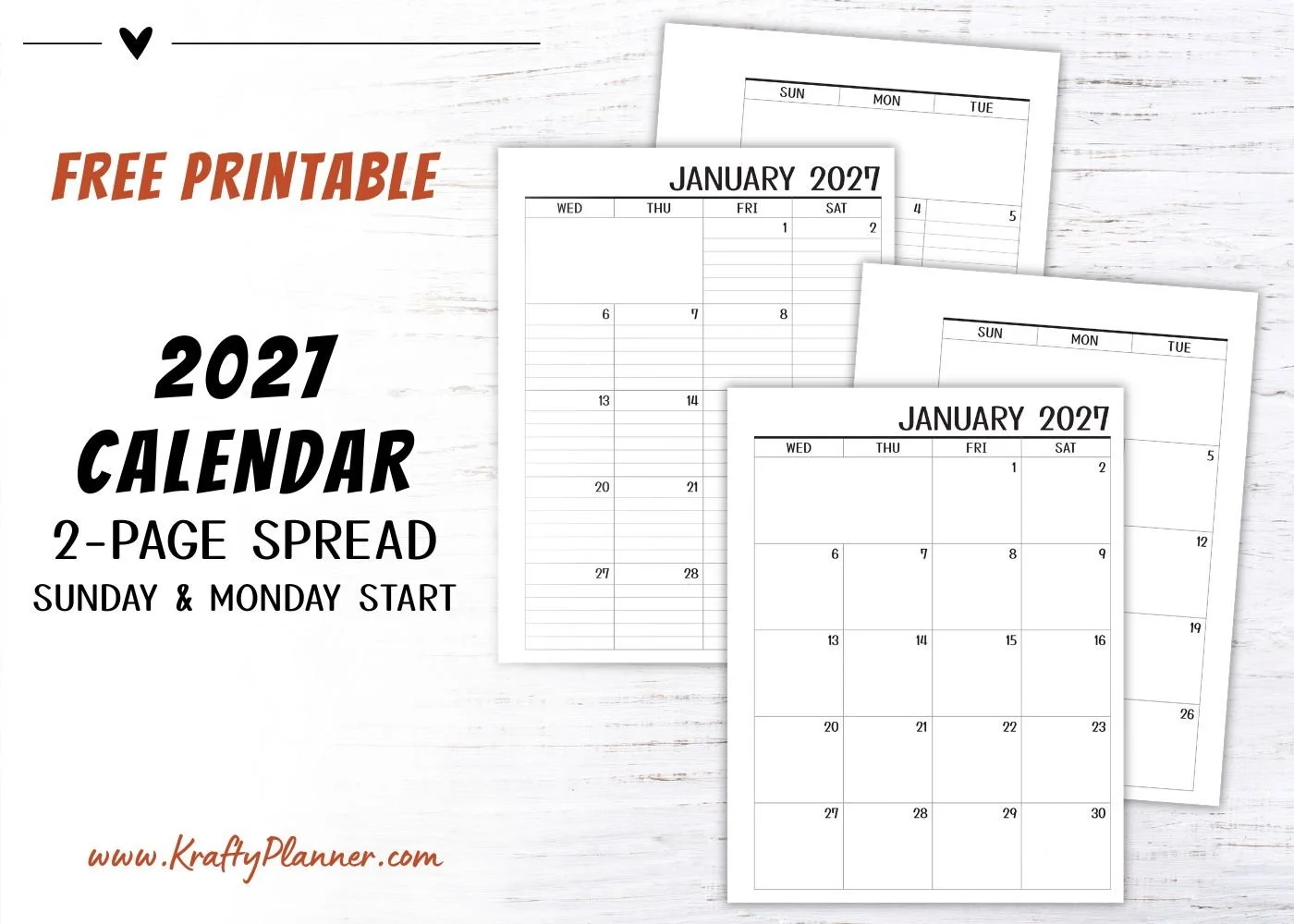







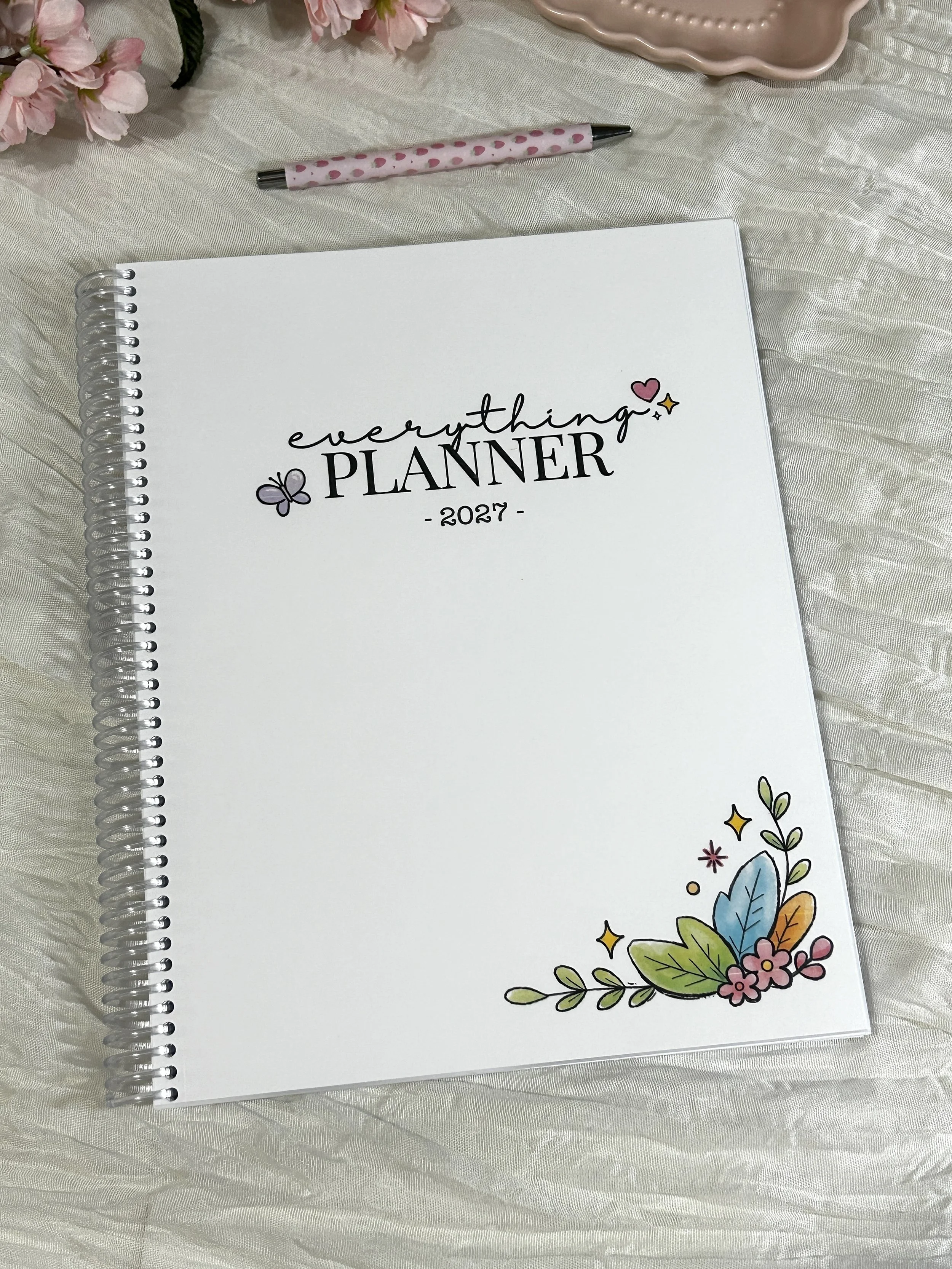
Bring structure and a little joy to your everyday planning with the 2027 Everything Planner.
Dated from January through December 2027, this full-size planner (8.5" × 11") is designed to help you organize your schedule, set meaningful goals, and keep track of the things that matter most—all while making planning something you’ll actually enjoy.
Thoughtfully designed and handmade in my studio in Seneca Falls, New York, every planner is printed on premium paper, bound with a durable, clear coil, and finished with a soft-touch matte floral cover. It lays flat for easy writing and is ready to use right out of the package.
What's Inside
2027 & 2028 Year-at-a-Glance Calendars
Yearly Goal Planning Pages
Books to Read List
My Dreams List
Level 10 Life Worksheets
Yearly Reflection Pages
Monthly Cover Pages
Two-Page Monthly Calendars
Monthly Planning & Goal Pages
Monthly Tasks & Habit Tracker
Dated Weekly Planning Pages
Monthly Review & Notes Pages
End-of-Year Review
Product Details
Size: 8.5" × 11"
256 premium printed pages
Soft-touch matte laminated cover
Durable clear coil binding
Lays flat while writing
Handmade in Seneca Falls, New York
Why You'll Love It
The Everything Planner was created to be more than just a calendar. It's a place to organize your schedule, capture ideas, work toward your goals, and create routines that help you build an intentional life.
The thoughtfully designed layouts give you plenty of room to plan in a way that works for you.
Whether you're organizing work, school, family life, or personal goals, this planner is designed to help you P.L.A.N. Everything:
Productivity • Lifestyle • Accountability • New Beginnings
Each planner is carefully printed, assembled, and packaged by hand before being shipped directly to you.



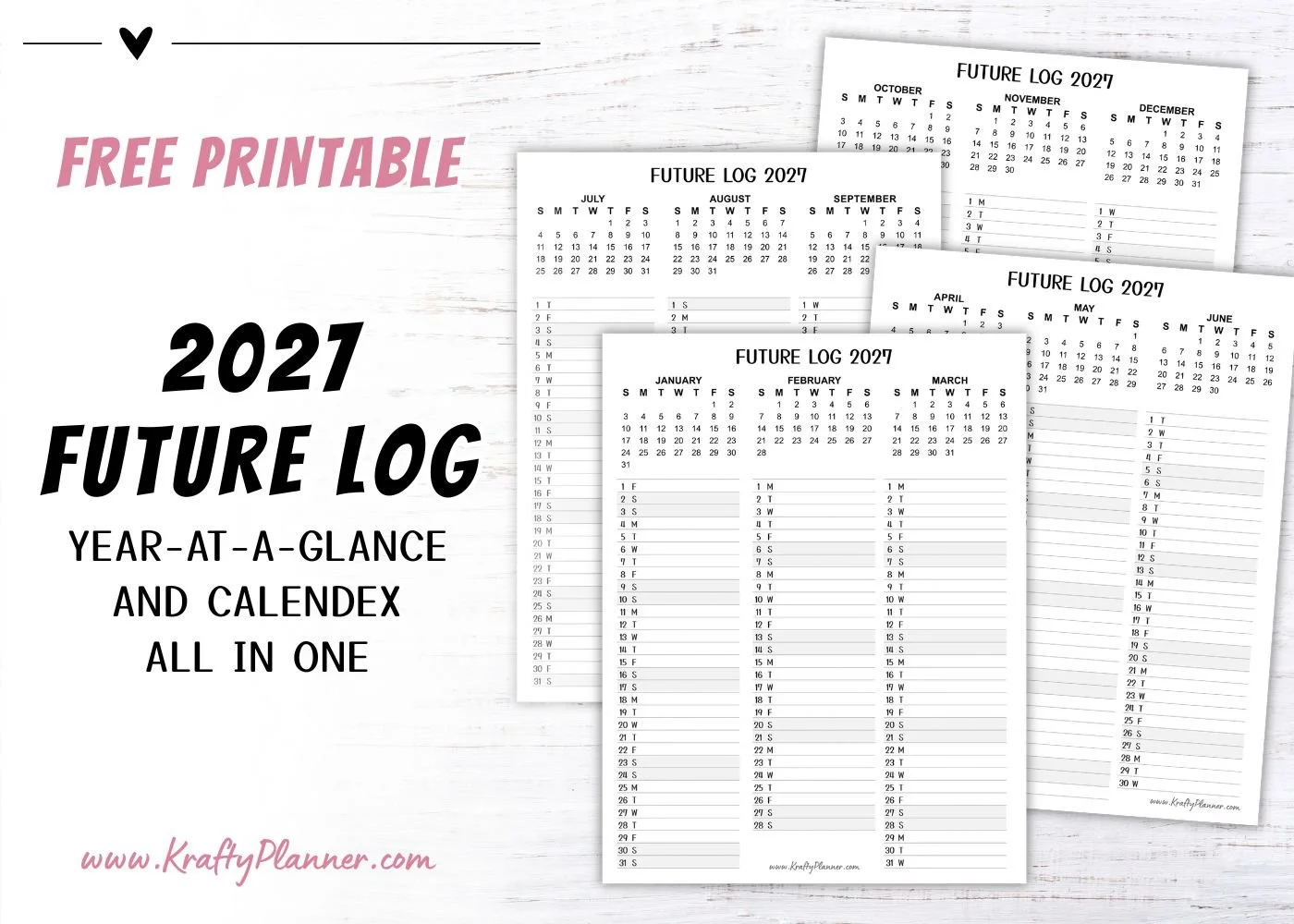
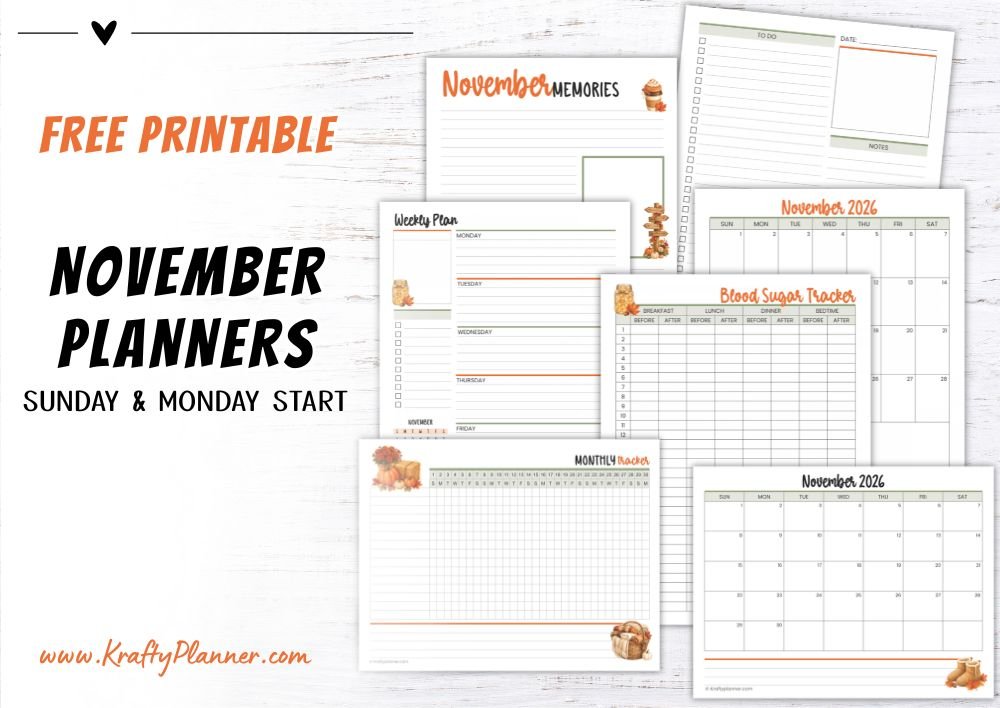


Simplify your finances with a year-round tax-document organizer! Learn what to save, how to name files, and a simple review routine to stay organized.